

Everything Charges Over USB-C
Every current Lost Mary device uses a USB-C charging port, located on the base or the side depending on the model. There is no proprietary dock and no adapter to lose. Any quality USB-C cable will do the job, and the one supplied with a kit is the sensible first choice.
Recharging is expected rather than optional on these devices. A 1000mAh cell in the MT35000 Turbo is not going to deliver 35,000 puffs of liquid on a single charge, so the tank is designed to outlast many cycles.
Choosing an Adapter
A standard 5V wall adapter rated between 1A and 2A is the right match. A computer USB port also works and simply charges more slowly.
Avoid high-output fast chargers intended for laptops or flagship phones. These devices have small cells, and pushing a high current at them generates unnecessary heat. Charging a little slower is the better trade.
How Long a Charge Takes
Typical full charges run 30 to 60 minutes across the lineup. Battery capacities differ, and so do times:
A device charged from nearly flat takes the full window. A top-up from half takes far less.
Reading the Indicator While Charging
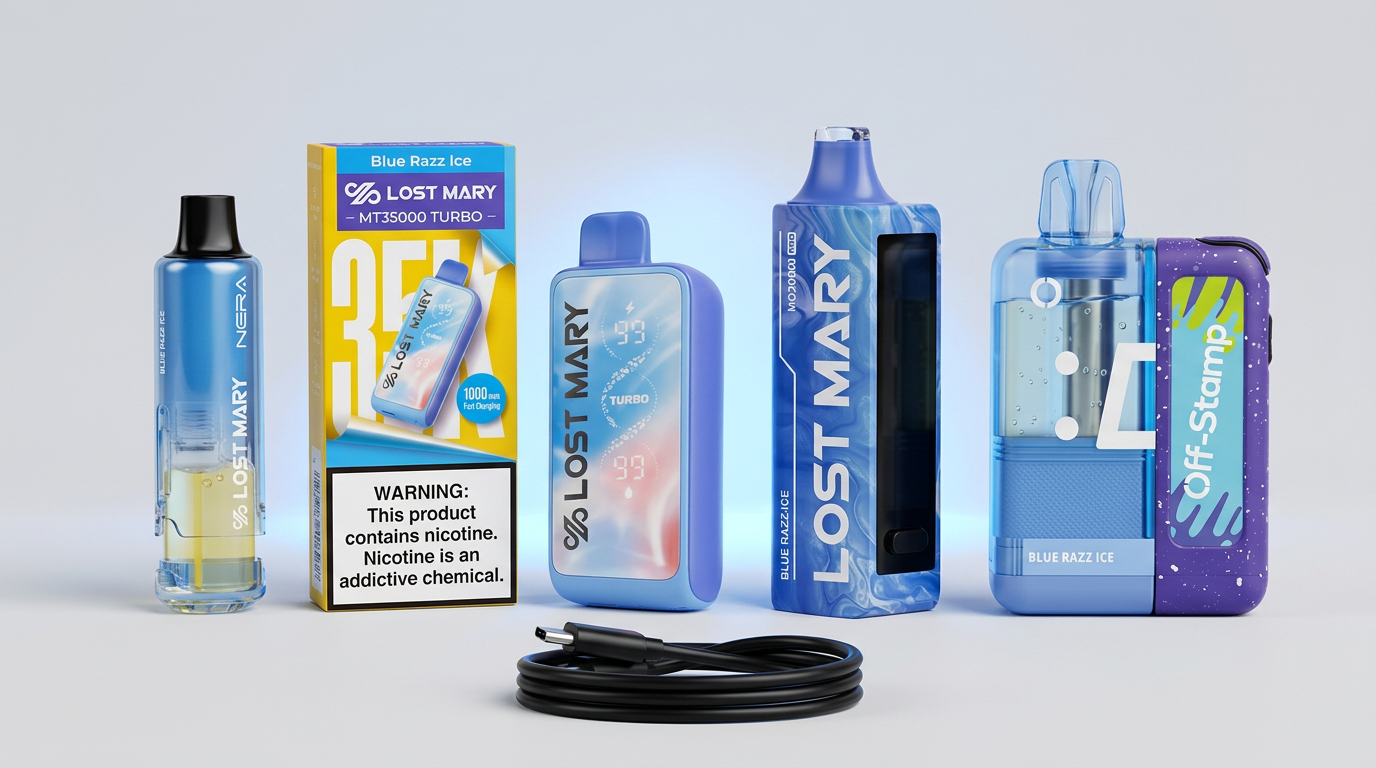
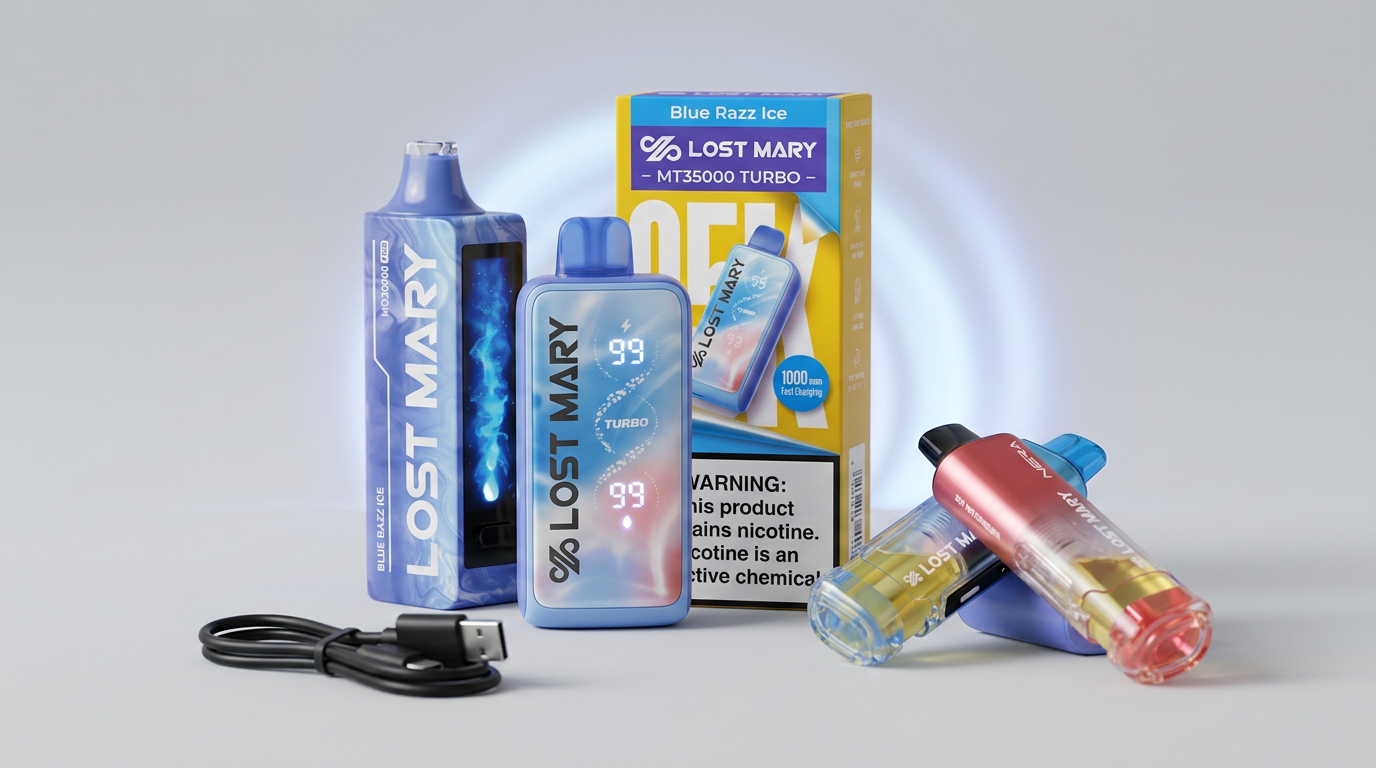
What you see depends on your model. The MO20000 Pro shows a battery percentage on its HD display, which is the clearest readout in the lineup. The MT35000 Turbo and Nera Fullview 70K use smart LED displays. The MT15000 Turbo uses an LED power indicator, and the VIZ 55K signals through its 360 degree LED lighting.
In every case the pattern settles or stops when charging completes. If you see an unexpected flash pattern, our blinking indicator guide decodes the common cases.
Safe Charging Practices
These are ordinary electronics habits, and they apply to any lithium device:
Our safety and storage guide covers handling beyond the charging cycle.
Charging Habits That Help
There is no need to run the battery flat before recharging; lithium cells have no memory effect. Topping up when the indicator dips is fine and arguably better for the cell.
Charge at room temperature. A device brought in from the cold should warm up first, and one that has been sitting in a hot car should cool down before it goes on a cable.
When Charging Does Not Work
Try a second cable and a second adapter before drawing conclusions, since cables fail far more often than devices. Check the port for lint and clear it gently with dry compressed air, never a metal pin.
If the device still will not take a charge, stop and contact the seller. Do not open the housing or attempt to charge the cell directly. Devices purchased from us fall under our refund policy.
Frequently Asked Questions
Can I charge a disposable vape with a phone charger?
Yes, provided it is a standard 5V USB adapter in the 1A to 2A range. Skip high-output fast chargers.
How long should I charge my Lost Mary?
Usually 30 to 60 minutes from flat, depending on battery size. Unplug when the indicator shows full rather than leaving it connected.
Can I use my vape while it is charging?
No. Charge it, unplug it, then use it. Most devices will refuse to fire on the cable anyway.
Is it safe to charge a vape overnight?
We do not recommend it. Charge while you are awake and nearby, and unplug when it completes.
Why is my device not charging?
Most often a failed cable or a blocked port. Test another cable, clear the port with dry air, and if nothing changes contact the seller instead of opening the device.
WARNING: This product contains nicotine. Nicotine is an addictive chemical. Must be 21+ to purchase.
Get our guides highlighted in your Google results
Tags
Continue Reading
More articles you might enjoy

What a Blinking Disposable Vape Means
A blinking light is the device talking to you. Learn the three standard meanings and how each Lost Mary model signals them, from LED to full display.
Disposable Vape Safety and Storage
Practical handling for a lithium-powered device: temperature limits, storage position, keeping products away from children and pets, and disposing of them correctly.
Disposable Vape Not Hitting: Causes and Fixes
No vapor at all? Work through battery, e-liquid, and airflow in that order. Here is a structured diagnosis using the indicators on Lost Mary devices.