
What a Blinking Disposable Vape Means

Three Things a Blink Can Mean
Indicator lights on modern disposables communicate three states, and nearly every blink you will ever see falls into one of them:
Reading which one you are looking at comes down to timing and context, described below.
Low Battery
The most common blink. It appears when you draw, usually as a short repeating flash, and vapor output feels weaker than usual just before it starts. Connect a USB-C cable and the blinking normally stops within a minute as the charge indicator takes over.
If a full charge does not clear the pattern, the battery is not the issue and you should move on to the next section.
End of E-Liquid
Some devices flash to signal that the reservoir has run dry, particularly when the coil detects no liquid to vaporize. The distinguishing feature is that this pattern persists on a full battery, and the last few sessions before it appeared will have tasted thin or harsh.
There is no recovery here. A sealed disposable that has finished its liquid is at end of life. If you are unsure whether liquid or battery is the culprit, work through disposable vape not hitting.
Protection Cut-Off
Draw-activated devices include a firing timer, typically around ten seconds, plus short-circuit and over-current protection. Trigger any of these and the device flashes and refuses to fire until you release and start a fresh draw.
Common triggers: an extremely long inhale, drawing while the device is on charge, or moisture bridging the charging contacts. Dry the port, unplug, wait a minute, and take a normal length draw.
How Each Lost Mary Device Signals
Indicator style differs by model, and knowing yours saves guesswork:
Full specifications for every model are listed on our device comparison hub.
A Quick Decision Path
Never open a device to inspect a light. There is nothing user-serviceable inside, and opening it voids any support you would otherwise have.
Frequently Asked Questions
Why does my vape blink 10 times?
Repeated rapid flashes generally indicate the protection circuit stopped a draw, often after an unusually long inhale. Release, wait a few seconds, and take a shorter draw.
Does a blinking vape mean it is dead?
Not by itself. Charge it first. A blink that persists on a full battery points to an empty reservoir, which is end of life.
My vape blinks while charging. Is that normal?
A changing or pulsing light during charging is standard progress indication on most models. What is not normal is a device that stays hot, so unplug and stop using it if that happens.
Can I stop the blinking without charging?
No, and you should not try. The indicator is reporting a real state. Charging it, or replacing a finished device, is the resolution.
The Nera Fullview 70K flashes when I insert a pod. Why?
That is the seating confirmation. If the flash repeats and the device will not fire, remove the pod, check the contacts are dry, and press it back in until it clicks.
WARNING: This product contains nicotine. Nicotine is an addictive chemical. Must be 21+ to purchase.
Get our guides highlighted in your Google results
Tags
Continue Reading
More articles you might enjoy
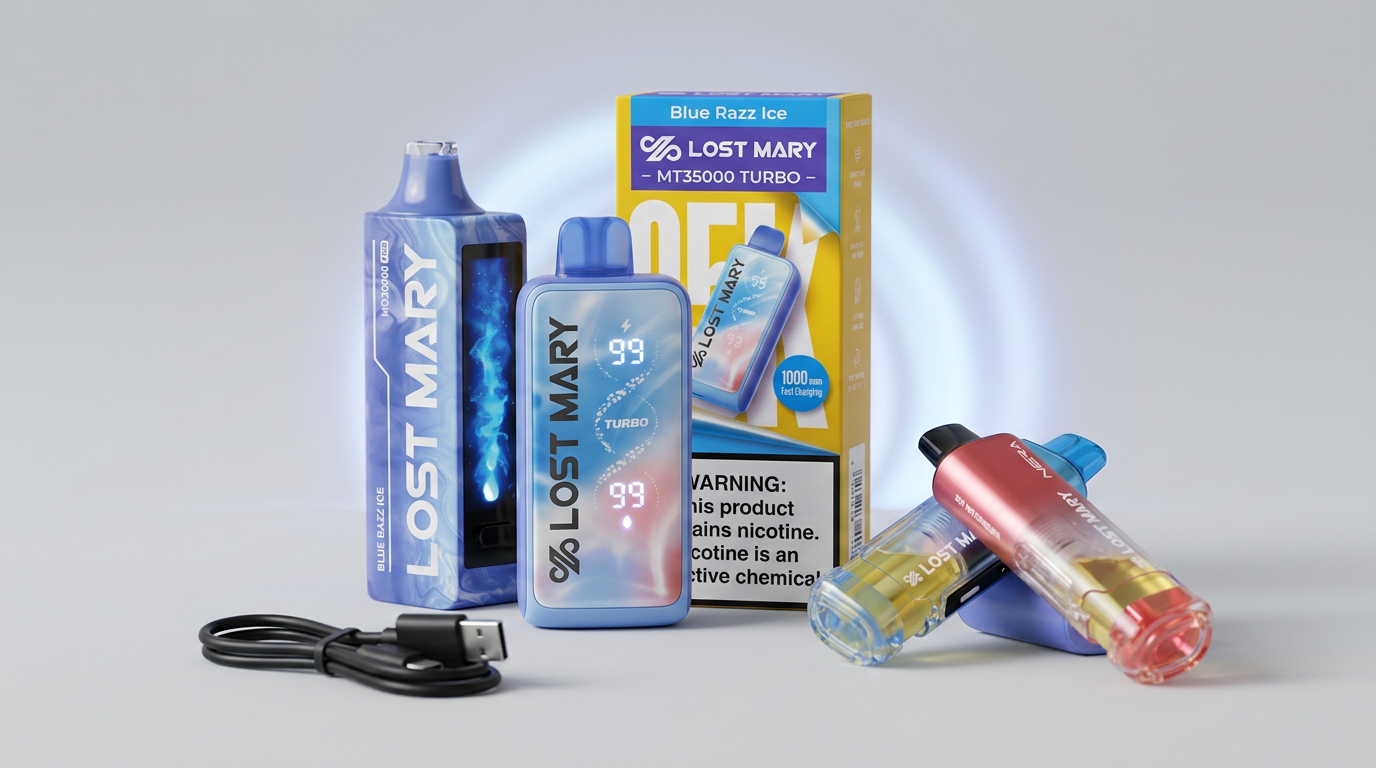
Disposable Vape Not Hitting: Causes and Fixes
No vapor at all? Work through battery, e-liquid, and airflow in that order. Here is a structured diagnosis using the indicators on Lost Mary devices.

Disposable Vape Charging Guide
USB-C across the Lost Mary lineup: which adapter to use, how long a charge takes, what the indicators show, and the handling rules worth following every time.

How Disposable Vapes Work
Battery, coil, wick, e-liquid, and a pressure sensor. Here is what happens inside a draw-activated disposable between the moment you inhale and the vapor arriving.