
How to Charge Your Lost Mary: Complete USB-C Guide (2026)
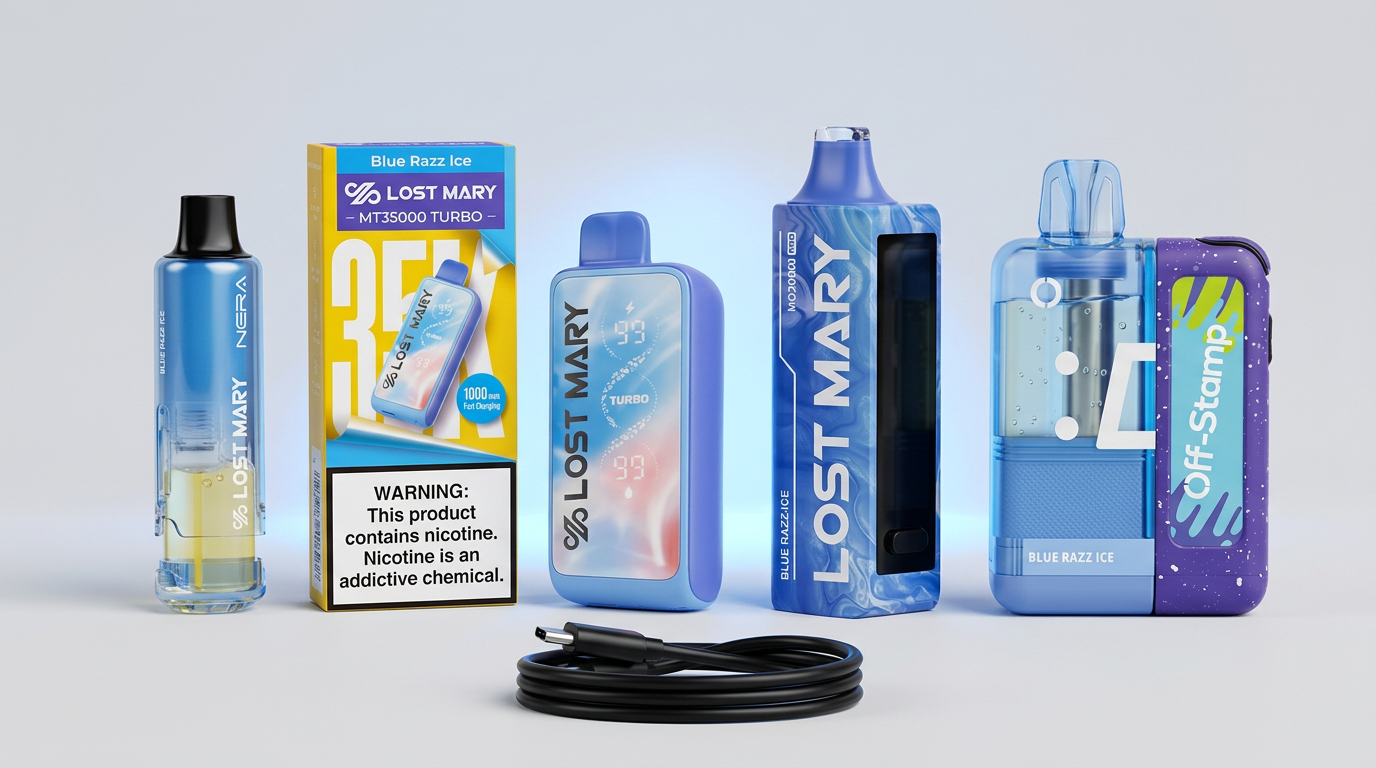
What You Need to Charge a Lost Mary
Every current Lost Mary device uses a standard USB-C charging port. You need:
Lost Mary devices are not fast-charge compatible above 10W. Using a higher-wattage adapter does not damage the battery, but it will not speed up the charge.
If you are still shopping for a device, current models are at Lost Mary Vapes.
Charge Times by Device
The exact time to fully charge a Lost Mary depends on the battery size:
| Device | Battery | Empty to Full | Quick Top-Up (10 min) |
|---|---|---|---|
| Nera Fullview 70K | 800mAh | ~50 minutes | ~20% added |
| MT35000 Turbo | 650mAh | ~40 minutes | ~25% added |
| MO20000 Pro | 850mAh | ~55 minutes | ~18% added |
| MT15000 Turbo | 600mAh | ~35 minutes | ~28% added |
| Off Stamp X-Cube | 650mAh | ~40 minutes | ~25% added |
Times assume a 5W charger. A 10W charger will be roughly 10 to 15 percent faster.

Step-by-Step: Charging Your Device
Unplug once charged. Leaving the device connected after full charge is not dangerous, but it does not benefit the battery either.
Wall Adapter vs Laptop USB
Always use a wall adapter when possible. Laptop USB-A ports typically deliver only 2.5W, which doubles charge times. Worse, some laptops cut power when sleeping, leaving your device half-charged.
If you must use a laptop:
Safety: What to Avoid
Lost Mary batteries are lithium-ion. Standard lithium-ion safety rules apply:
If a device feels hot, swells, or shows visible damage, stop using it and contact us through the Contact page.
How Often to Charge
Charging frequency depends on your usage and which device you have:
Heavy chain-vapers should top up daily on every model.
Pass-Through Vaping
All current Lost Mary models support pass-through use. You can vape while the device is plugged in. This is useful for emergency hits when the battery is fully dead. The device draws current directly from the cable.
That said, the experience is degraded:
Use pass-through sparingly. Wait 15 minutes for a partial charge for a normal hit.
What to Do When the Battery Won't Hold a Charge
If your Lost Mary charges to full but drains within an hour of light use, the battery has reached end of life. This is normal:
Authentic Lost Mary devices purchased from authorized retailers are warrantied. See our where to buy guide for how to verify authenticity, and read how long a Lost Mary 70K lasts to set realistic battery-life expectations.
Travel Charging Tips
For travel, especially flights:
For full travel guidance, check airline policies. Lost Mary devices fall under standard disposable e-cigarette rules in most countries.
Frequently Asked Questions
Can I overcharge my Lost Mary?
No. All current Lost Mary devices have built-in charge protection that stops the flow of current at full battery.
Why is my Lost Mary charging slowly?
Most likely a low-wattage adapter (under 5W) or a damaged USB-C cable. Try a different cable and a phone wall adapter rated 5W to 10W.
Should I let the battery fully die before charging?
No. Lithium-ion batteries last longest with frequent shallow charges (charging from 30 percent rather than 0 percent). Top up whenever convenient.
Why does my device say "low battery" right after charging?
The most common cause is a faulty cable or adapter showing as "charged" without actually delivering current. Test with a known-good charger. If the issue continues, the battery may have failed and the device needs replacement.
Can I use a power bank to charge?
Yes, any standard USB-A or USB-C power bank works. Charge times are the same as a wall adapter at the same wattage.
WARNING: This product contains nicotine. Nicotine is an addictive chemical. Must be 21+ to purchase.
Ready to order? Every device ships from the United States.
Shop Lost Mary vapes onlineGet our guides highlighted in your Google results
Tags
Continue Reading
More articles you might enjoy
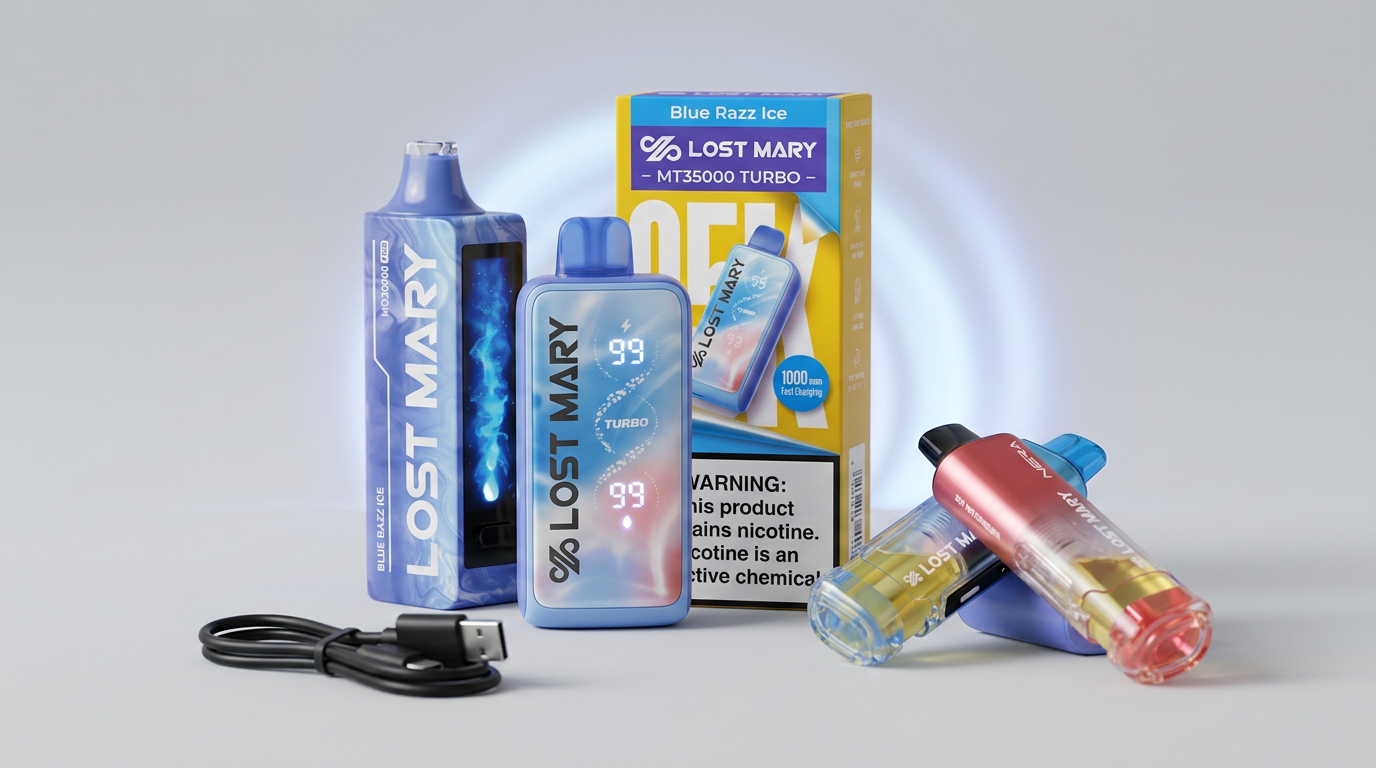
Lost Mary Not Hitting? 7 Fixes That Actually Work (2026)
Step-by-step troubleshooting guide for a Lost Mary that won't hit. Cover charging, airflow, pod connections, mesh coil dryout, and when to replace.
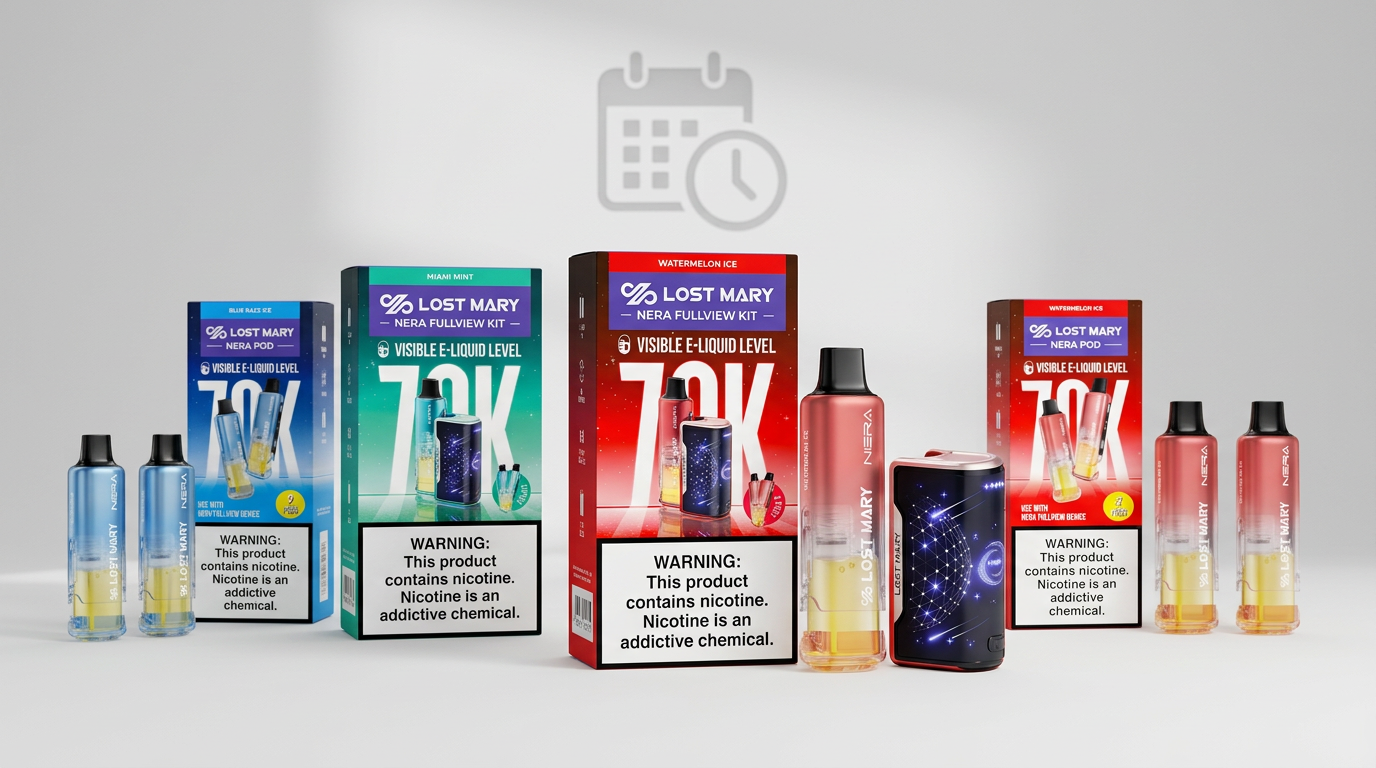
How Long Does a Lost Mary 70K Last? Real-World Test (2026)
We tested the Lost Mary Nera Fullview 70K to find how long the 70,000 puffs really lasts. Daily averages, cost per day and value comparison vs MT35000.
Vape Maintenance Tips: How to Get the Most from Your Lost Mary Device
Simple maintenance habits can dramatically improve your vaping experience. Learn essential care tips, troubleshooting techniques, and best practices for Lost Mary devices.
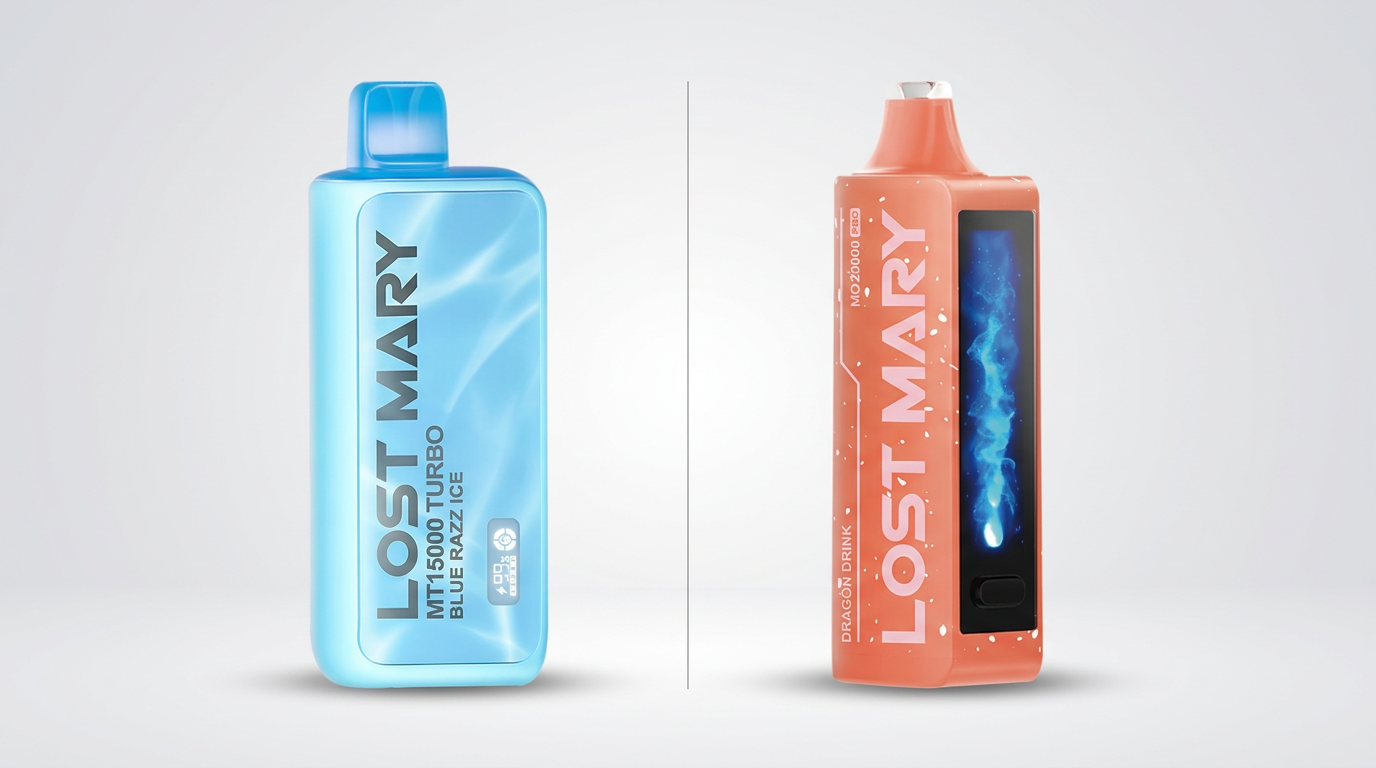
Lost Mary MT15000 Turbo vs MO20000 Pro: Detailed Comparison (2026)
Side-by-side comparison of the Lost Mary MT15000 Turbo and MO20000 Pro. Puffs, battery, flavors, price and which device is the better buy in 2026.