
Lost Mary Not Hitting? 7 Fixes That Actually Work (2026)
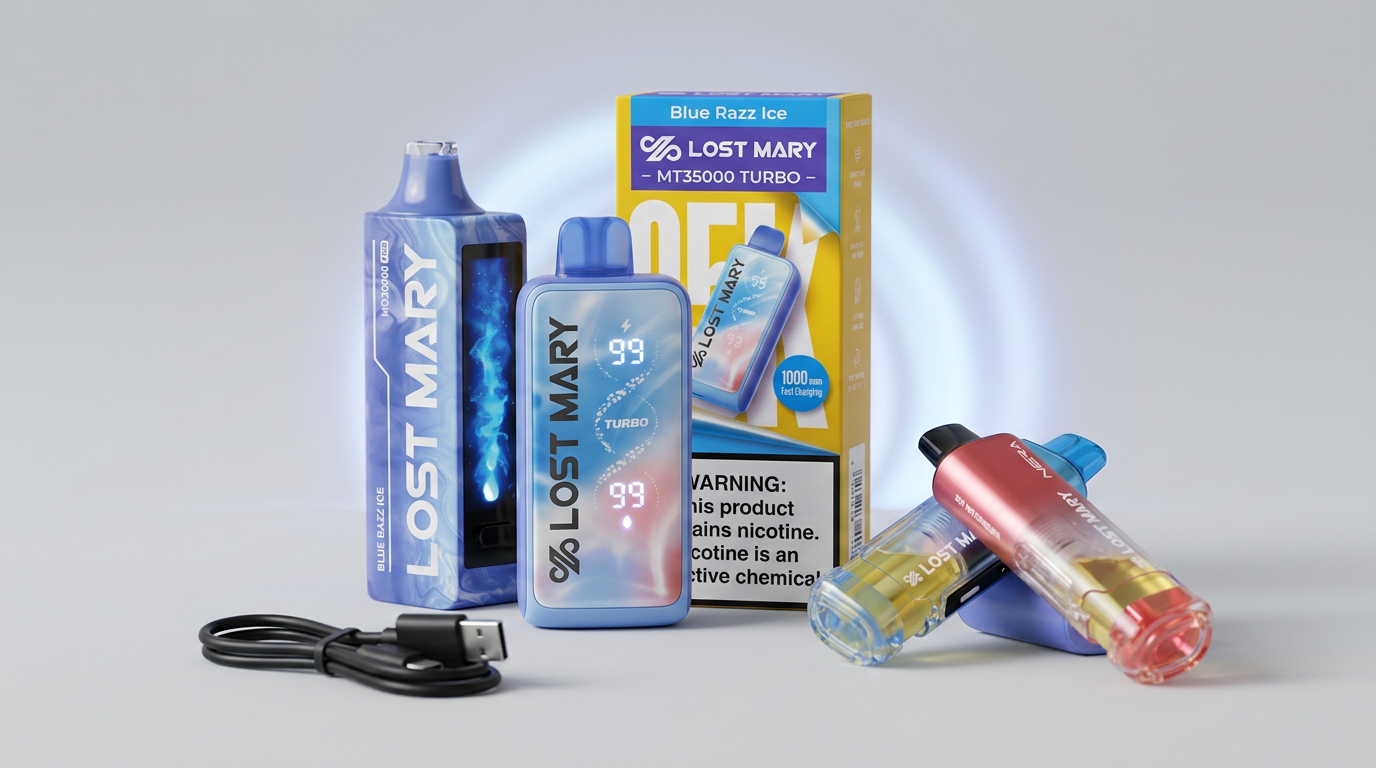
Why Your Lost Mary Stopped Hitting
A Lost Mary that suddenly stops producing vapor almost always traces back to one of seven causes: a depleted battery, a clogged airflow path, a disconnected pod, a dry mesh coil, a draw sensor that needs a reset, an empty e-liquid reservoir, or a hardware fault on the device itself.
The good news: most of these are quick fixes you can do in under a minute. Below is the exact order to work through them, from fastest to most involved.
If you are about to buy a replacement, hold off until you have tried these seven steps. Browse current models at Lost Mary Vapes only after the troubleshooting fails.
Fix 1: Charge the Device for 15 Minutes
This is the single most common reason a Lost Mary stops hitting. Even if the LED lights up briefly when you puff, the battery may be too low to fire the coil at full power.
What to do:
Devices with smart displays like the Nera Fullview 70K and MT35000 Turbo show exact battery percentage. The Off Stamp X-Cube uses a single LED indicator.
Fix 2: Clear the Airflow Path
Lost Mary devices use small intake holes on the side or bottom of the device. Lint, dust, and pocket debris can block these holes and reduce airflow to the point where the draw sensor stops triggering.
What to do:
This fix is most common on devices that have been carried in pockets or bags for a few days.
Fix 3: Reseat the Pod (Nera 70K and Off Stamp Only)
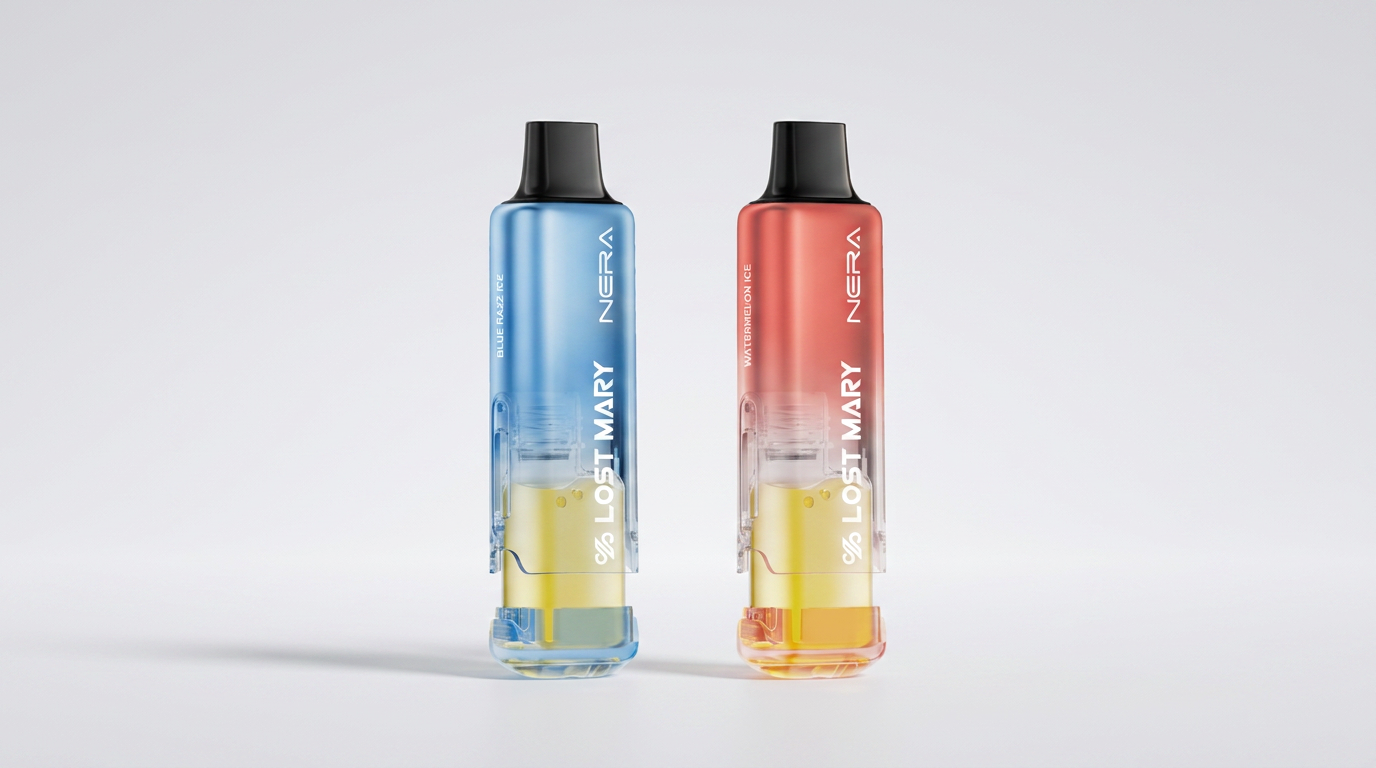
The Nera Fullview 70K and Off Stamp X-Cube use replaceable pods that connect via magnetic contacts. If the pod shifts even slightly, the device will not fire.
What to do:
Disposable models like the MT35000, MO20000, and MT15000 do not have removable pods, so skip this step.
Fix 4: Warm Up a Cold Device
Lost Mary mesh coils underperform below 50°F (10°C). If your device has been in a car, garage, or outside in cold weather, the e-liquid viscosity rises and the coil cannot wick properly.
What to do:
Never use a heat gun, microwave, or stove. Direct heat damages the battery.
Fix 5: Reset the Draw Sensor
Most modern Lost Mary models use a smart draw sensor that occasionally needs to be reset. The Nera 70K and MT35000 both support a quick reset.
What to do:
If the device fires after this step, the sensor was stuck and is now reset.
Fix 6: Check for Burnt Coil (End of Life)
If you taste a burnt or scorched flavor instead of normal vapor, the mesh coil has dried out. This typically happens when:
For disposables (MT35000, MO20000, MT15000), this means the device has reached end of life. Move on to a new one. The MT35000 Turbo and MO20000 Pro typically deliver their full puff count before the coil dries.
For pod systems, replace the pod. Browse Nera 70K replacement pods or Off Stamp X-Cube pods.
Fix 7: Inspect for Hardware Damage
If steps 1 through 6 fail, the device may have a hardware fault. Common signs:
What to do:
Authentic Lost Mary devices purchased from us are eligible for replacement under our 30-day return policy. Counterfeit devices purchased elsewhere are not covered, which is one of many reasons to buy from authorized retailers (see our authentic vs counterfeit guide).
Quick Diagnostic Table
| Symptom | Most Likely Fix |
|---|---|
| No LED, no vapor | Fix 1 (charge) |
| LED lights but no vapor | Fix 2 (airflow) |
| Pod system not firing | Fix 3 (reseat pod) |
| Weak vapor in cold weather | Fix 4 (warm up) |
| Sensor not triggering | Fix 5 (reset) |
| Burnt taste | Fix 6 (replace coil/device) |
| Visible damage | Fix 7 (contact support) |
How to Prevent the Issue
A few daily habits extend the life of every Lost Mary device:
For a deeper care guide, see our vape maintenance tips article.
When to Replace vs Fix
Disposable models (MT35000, MO20000, MT15000) are designed to be replaced once the e-liquid runs out. If you have hit your puff count and the coil is burnt, replacement is the only path forward.
Pod systems (Nera 70K, Off Stamp X-Cube) are designed for repeated use. Replace only the pod when the flavor changes, then keep using the same device. This is the cheapest long-term option in the Lost Mary lineup. See our bulk and multi-pack deals article for the lowest cost-per-puff strategy.
Frequently Asked Questions
Why is my brand new Lost Mary not hitting?
Charge it for 15 minutes first (Fix 1). New devices ship with a partial charge that drains quickly. If still not working, check airflow holes for shipping debris (Fix 2).
How do I know if my Lost Mary is dead?
If you taste burnt flavor and there is no vapor on a fully charged device, the coil is dry. For disposables, this is end of life. For pod systems, replace the pod.
Can I refill a Lost Mary disposable?
No. The MT35000, MO20000, and MT15000 are sealed disposables and cannot be refilled. The Nera 70K and Off Stamp X-Cube use sealed pods that should not be refilled.
My Nera 70K shows full battery but no vapor. What now?
Reseat the pod (Fix 3) and clean the magnetic contacts. If the issue continues, try a different pod from the same kit to confirm whether the device or the pod is faulty.
WARNING: This product contains nicotine. Nicotine is an addictive chemical. Must be 21+ to purchase.
Ready to order? Every device ships from the United States.
Shop Lost Mary vapes onlineGet our guides highlighted in your Google results
Tags
Continue Reading
More articles you might enjoy
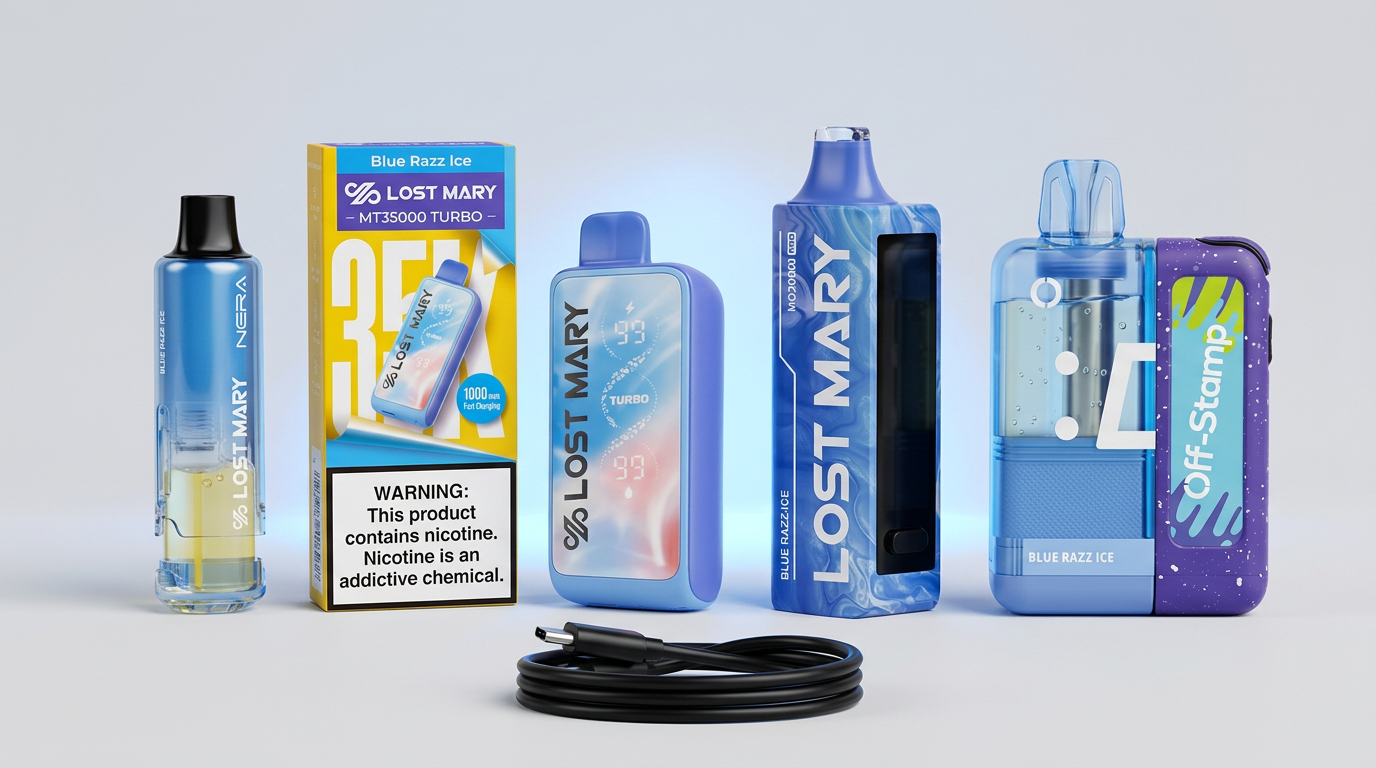
How to Charge Your Lost Mary: Complete USB-C Guide (2026)
Full guide to charging every Lost Mary device. Cable type, wattage, charge times, and safety tips for the Nera 70K, MT35000, MO20000, MT15000 and Off Stamp X-Cube.
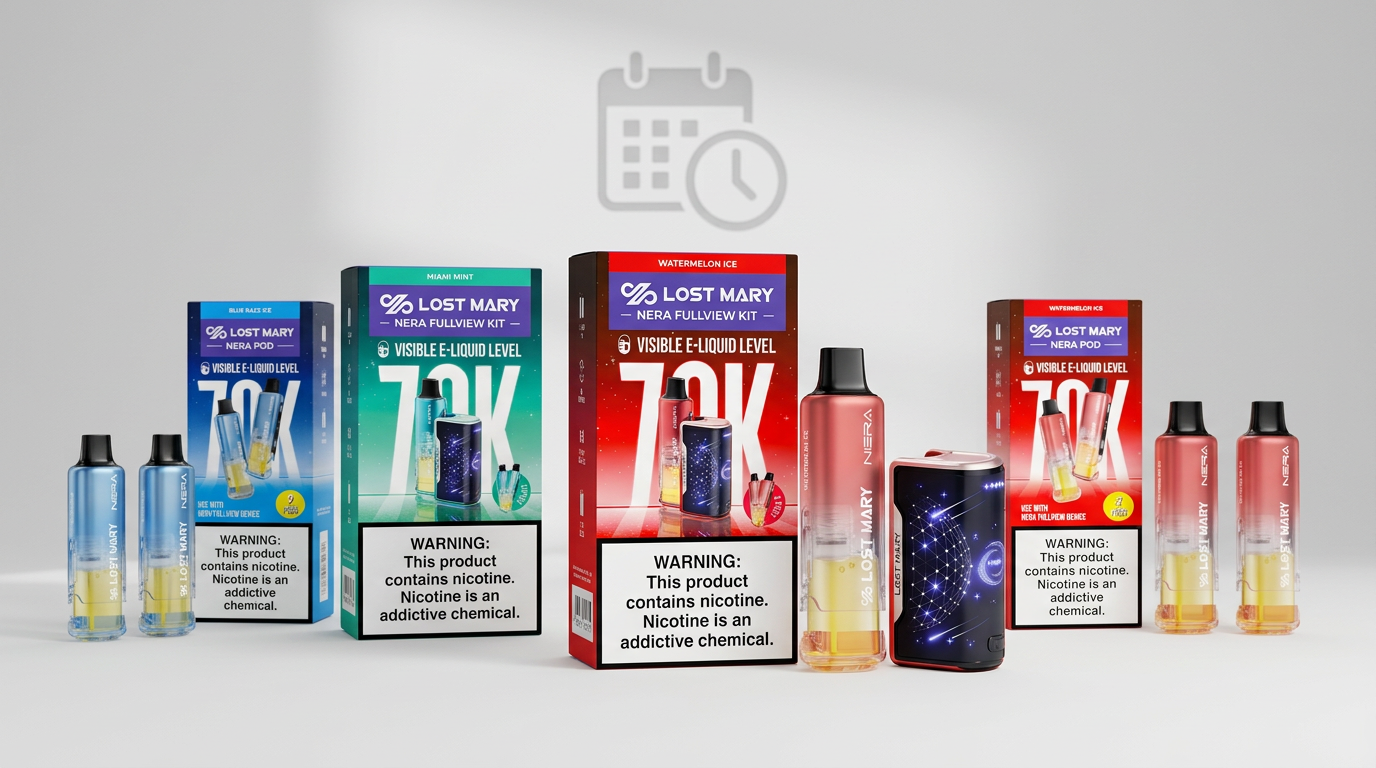
How Long Does a Lost Mary 70K Last? Real-World Test (2026)
We tested the Lost Mary Nera Fullview 70K to find how long the 70,000 puffs really lasts. Daily averages, cost per day and value comparison vs MT35000.
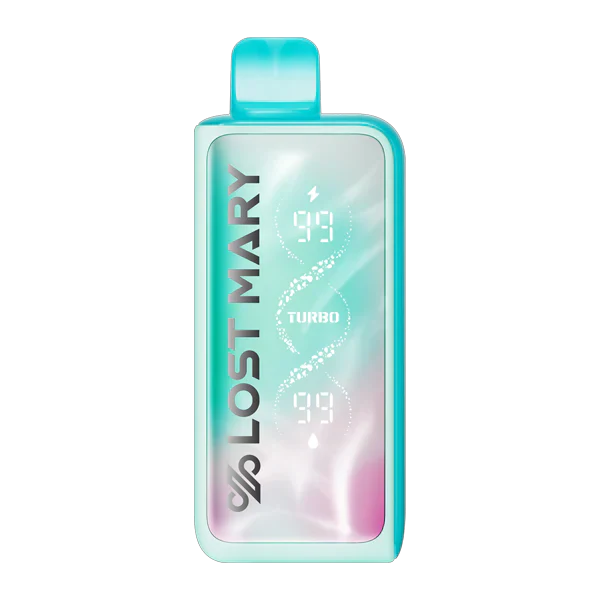
Vape Maintenance Tips: How to Get the Most from Your Lost Mary Device
Simple maintenance habits can dramatically improve your vaping experience. Learn essential care tips, troubleshooting techniques, and best practices for Lost Mary devices.
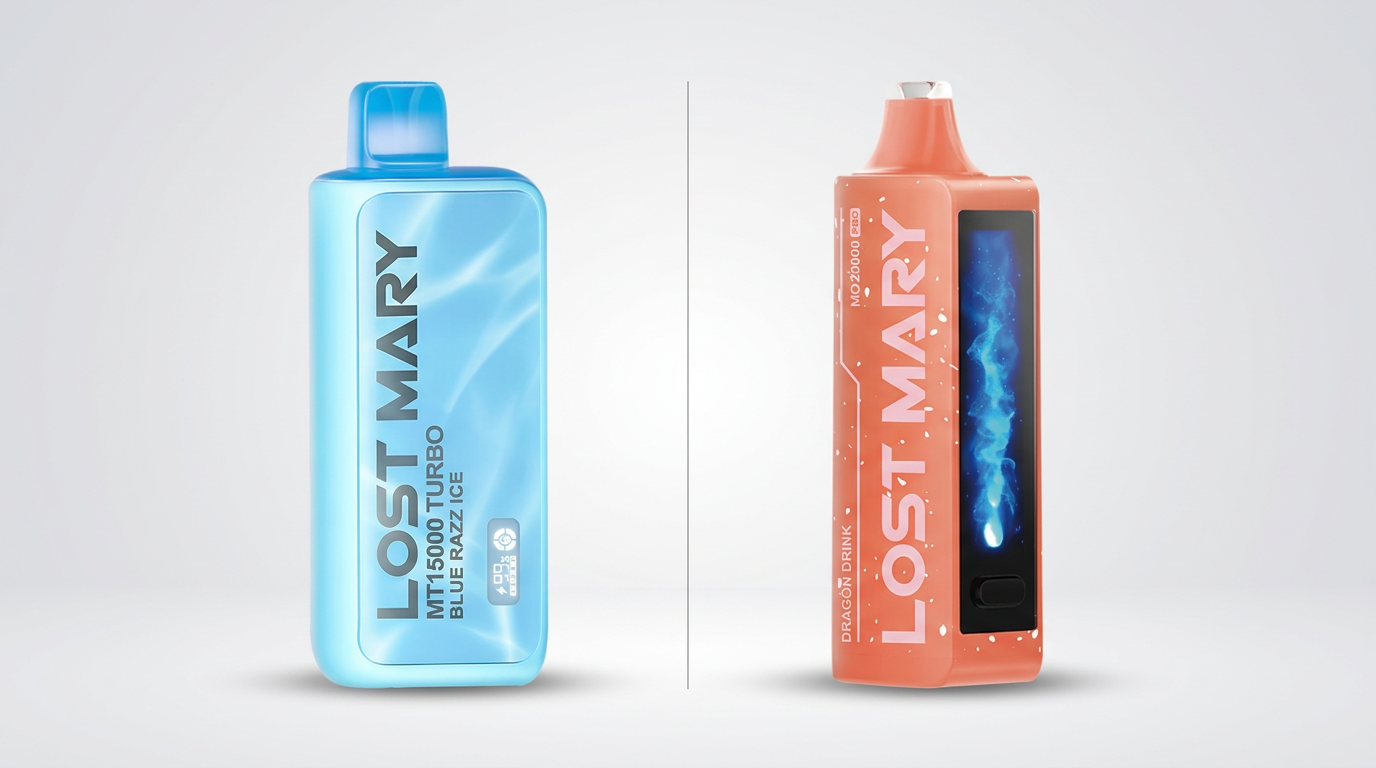
Lost Mary MT15000 Turbo vs MO20000 Pro: Detailed Comparison (2026)
Side-by-side comparison of the Lost Mary MT15000 Turbo and MO20000 Pro. Puffs, battery, flavors, price and which device is the better buy in 2026.